
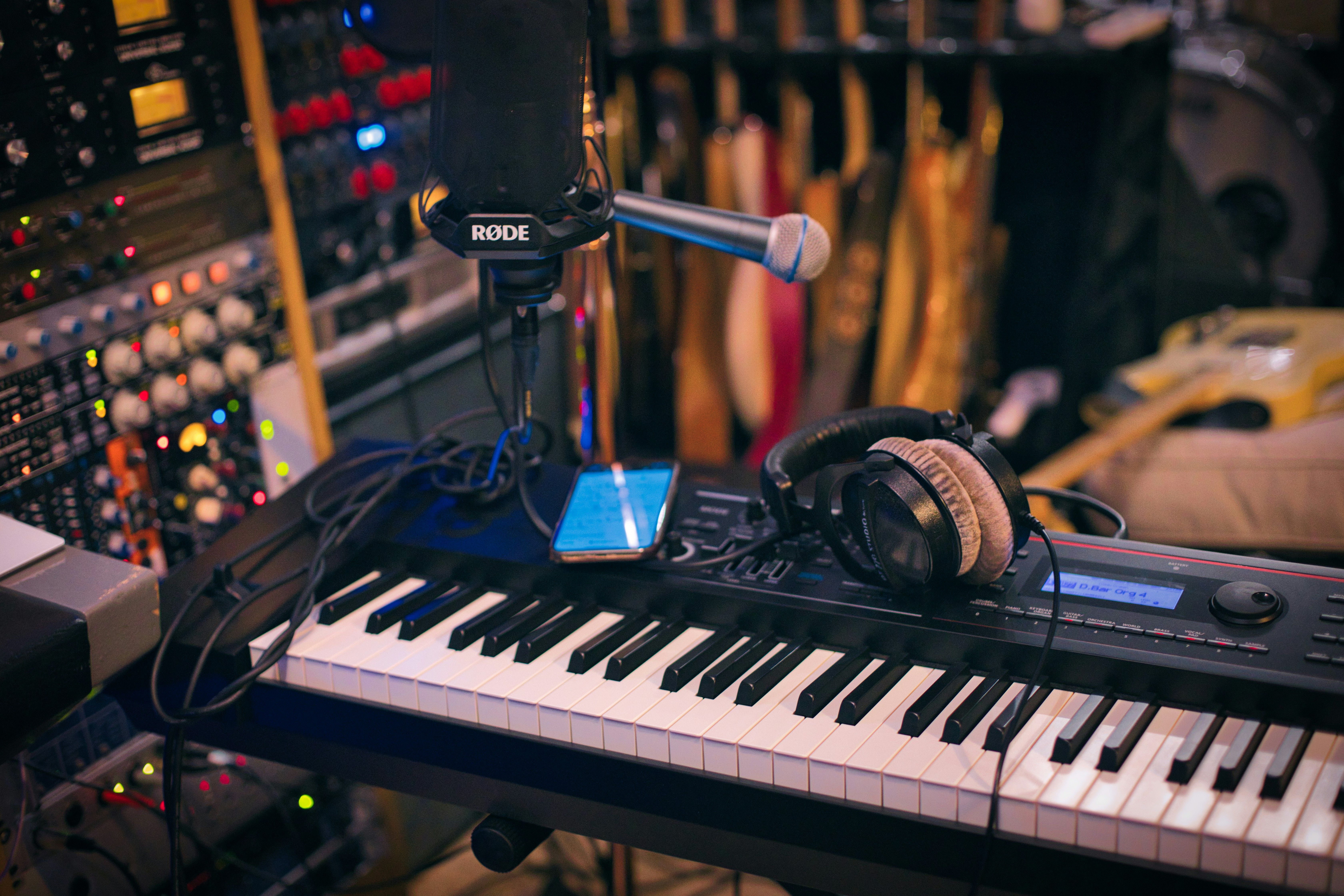
How many inputs do you need to record band practice?
Start with your lineup, not the gear pages. Every mic and every DI box needs its own input on whatever you buy, and drums are what blow the number up. Even a minimal kit recording takes a kick mic, a snare mic, and two overheads: four inputs gone before anyone else plugs in. Now add the rest of a typical five-piece. Two guitar amps with a mic each, a DI for bass, a stereo pair for keys, and two vocal mics put you at eleven. Mic the toms and hi-hat too and you land at fourteen or fifteen.
A five-piece band needs roughly 10 to 16 inputs once the drums are properly miked. Call an 8-input box what it is: a five-piece with the kit squeezed onto three or four mics. That can work.
Rig one: an audio interface and the laptop you already own
The cheapest honest path into multitrack is a rack interface plugged into a laptop. The Behringer UMC1820 gives you 18 inputs with 8 Midas-designed mic preamps at 24-bit/96kHz and sells new for roughly $290. The Focusrite Scarlett 18i20 4th Gen is the more polished version of the same idea, 8 preamps at a $749.99 list price, though major retailers now sell it around $630. Both grow the same way: an ADAT expander like the Scarlett OctoPre adds 8 more preamps over one optical cable, taking you to the 16 a fully miked five-piece wants.
You need a laptop at every rehearsal and recording software on it (GarageBand or a free Reaper trial is plenty; you only have to arm tracks and hit record, not mix). And if the laptop crashes mid-take, the take is gone. Still, for a band with a reliable computer, this is the most channels per dollar you can buy.
Rig two: a digital mixer that records the rehearsal it's mixing
If your band already runs vocals through a PA, a digital mixer can be the PA mixer and the recording rig at the same time. The Behringer XR18 ($509) is the default answer for a reason: 16 mic and line inputs, mixed from a tablet, plus a built-in 18x18 USB interface that streams every input to a computer as separate tracks while the rehearsal happens. One catch: the built-in WiFi is for control only, so recording still needs a wired USB cable to a laptop.
The bigger sibling is the X32: the Compact runs $1,649, and the $169 X-LIVE expansion card records 32 tracks straight to SD cards, no laptop involved. 64GB of cards holds about 3 hours 20 minutes of continuous 32-track WAV. That is an entire rehearsal on a card the size of a stamp.
Rig three: mixer-recorders with an SD slot and no computer at all
The third family skips the computer entirely: hands-on mixers with real faders that write multitrack WAVs to an SD card while you play.
Tascam's Model series is built for exactly this. The Model 12 ($599) is a 10-input mixer, a 12-track SD recorder at 24-bit/48kHz, and a USB interface in one box. The Model 16 ($899) has 14 inputs with 10 preamps and records 16 tracks at once. The Model 24 ($1,199) has 22 inputs, 16 preamps, and records 24 tracks, enough for a fully miked five-piece with room to spare.
Zoom's LiveTrak line does the same job. The L-12 records 12 channels plus the stereo mix to SD cards up to 512GB, nearly 90 hours of audio; Zoom replaced it with the $699 L12next in early 2026, but the L-12 is still widely sold and often discounted. The current L-20 records 20 channels plus the stereo mix for $999.99. Both record to the SD card and a connected computer at the same time, a trick the interface rigs cannot match: the laptop becomes a backup instead of a single point of failure. If you go this route, we wrote a walkthrough on mixing a Zoom LiveTrak session automatically.
What about just using your phone?
Honest answer: a phone or a single room mic is genuinely useful, and it is not a multitrack rig. It is perfect for remembering ideas and catching the arrangement change everyone will forget by Thursday. If you record whole rehearsals that way, Bandmixr's Rehearsal Cutter (Pro plan, desktop only) splits a two-hour phone recording into individual songs locally in your browser, and there is a guide on splitting a 2-hour jam into individual tracks.
What a phone recording cannot become is a mix. If the guitars buried the vocal in the room, they bury it on the recording, and no tool can cleanly pull that file back apart into mixable instrument tracks, Bandmixr included. There is no stem separation here, and we would rather say that plainly than sell you a workaround. Keep the phone for ideas.
You have 16 clean tracks, now what?
On an interface rig, export each track from your recording software as a WAV. On an SD rig, the WAVs are already on the card, one per channel. Either way, keep every stem the full length of the song from bar one, even where it is silent, and skip any limiter on the way out.
Then upload them to Bandmixr, pick your genre, and let it mix and master in the browser, with per-stem faders to adjust the balance before one-click mastering. The free plan takes up to 16 stems per project, exactly the five-piece math from the top of this post. To see the same moves done by hand, how to mix a full band from stems walks through them.
The rig pays for itself the first time you capture a rehearsal you actually want to keep. When the WAVs are on the card, bring them to bandmixr.com. Your first mix costs nothing.