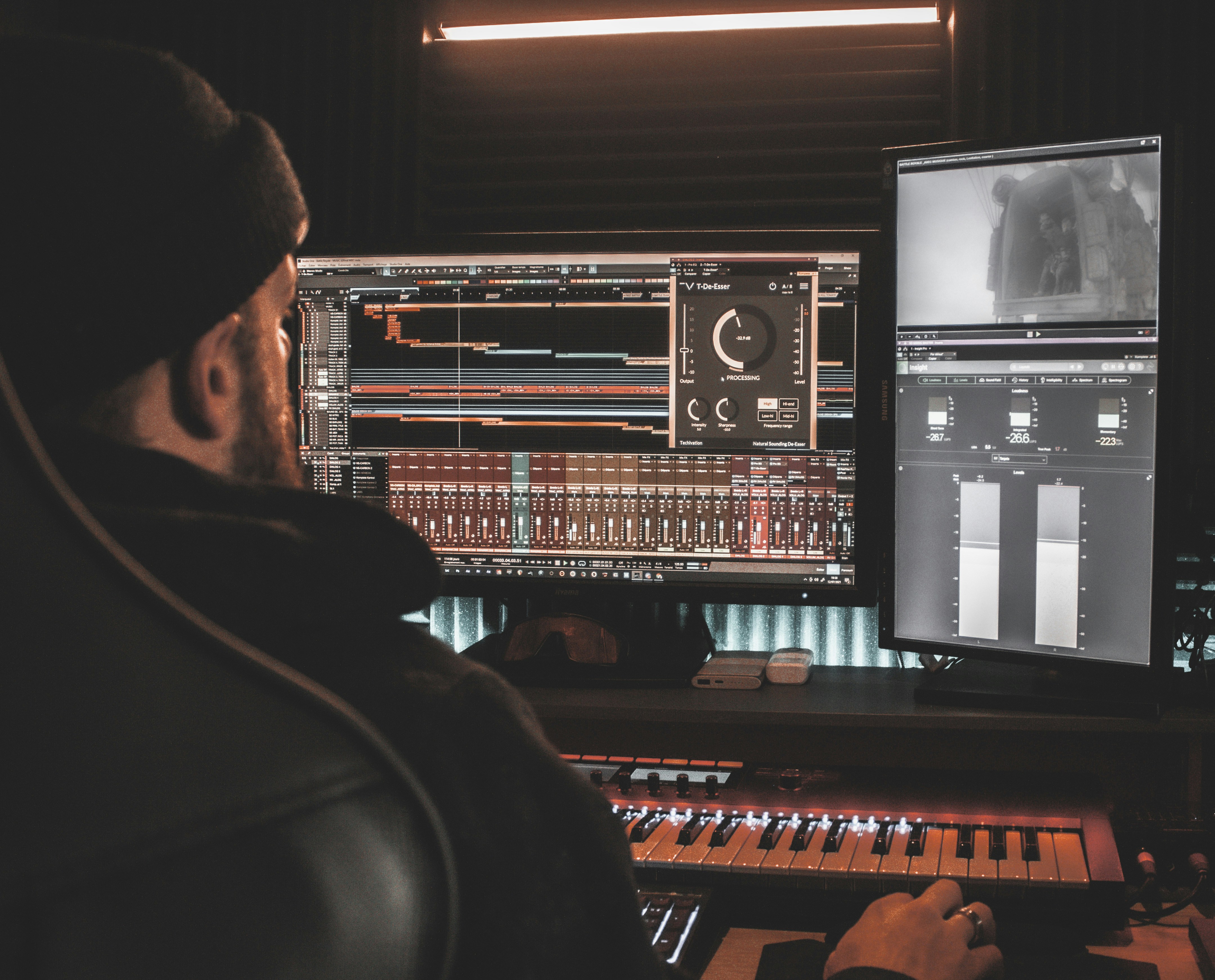
Somebody in every band ends up as the mix person. Not because they know how, but because they own the laptop. Then come the YouTube tutorials, the DAW trial, the 40 plugin windows, and three months later the song still is not mixed.
You can skip that whole arc. Mixing a song online, in a browser, with no DAW installed, is a real workflow now. Here is exactly how it goes and, just as important, when it is the wrong tool.
What you need before you start
One audio file per musical role: kick, snare, bass, each guitar part, keys, lead vocal, backing vocals. These are your stems, and they are the one non-negotiable ingredient. A single stereo bounce of the whole song cannot be mixed by anyone, human or machine, because the balance is already baked in. If the word stem is new, What Are Stems and Why Do They Matter covers it in five minutes. Whoever recorded the session can export them from any DAW or multitrack recorder, WAV or FLAC, all starting at bar one.
The browser workflow, start to finish
Upload the stems to bandmixr.com. The engine analyzes each file for loudness, frequency content, dynamics, phase and clipping, then builds the mix: level hierarchy, EQ, panning, and clash resolution between instruments that fight over the same frequencies. You pick one thing, the genre, because a jazz ballad and a metal track need genuinely different treatment. What Happens to Your Stems Inside Bandmixr walks through the pipeline if you want to see under the hood.
Then you listen. This is where the band earns its keep: if the lead guitar is too proud or the backing vocals too shy, drag the fader. Per-stem pan and reverb are there too, and an A/B toggle against the untouched version keeps you honest. You are making the calls a producer makes, without touching the hundred calls an engineer makes underneath.
Last step, pick a mastering loudness for where the song is going, streaming, club, or demo, and download the finished file. First mix is free, so the experiment costs nothing but the upload time.
When the browser is not enough
Honesty section. Online mixing balances what you recorded. It does not repair performances. If the vocal needs tuning, the drummer rushed the bridge, or you want to comp five takes into one, that is editing, and editing needs a DAW or a human. And a genuinely bad recording stays bad: How to Record a Band Rehearsal That's Actually Mixable is the fix for next session, not any mixer.
But if you have solid takes and the only thing between your band and a release is the mixing skill nobody has, that gap is now a browser tab. Export the stems, upload, pick the genre, argue about the guitar level like a real band, and walk away with a mastered song the same evening.