How to Remove Vocals From a Song for Free (Instrumental and Acapella)
You want the song without the singer. Maybe for karaoke, maybe to rehearse your part, maybe to rap over the beat or record a cover. Or the other way around: just the vocals, the acapella, for a remix. Both come from the same tool, a stem splitter, and you can remove vocals from a song for free without installing anything.
This guide shows how it works in Bandmixr's free Stem Separator, what to expect from the result, and the few things that make it sound cleaner.
What a stem splitter does
A finished song is one stereo file. Everything in it, the vocals, the drums, the bass, the guitars and keys, is mixed together. A stem splitter listens to that file and pulls it apart again into stems: one file for the vocals, one for the drums, one for the bass and one for everything else.
Two of those combinations are what most people are after:
- The instrumental is everything except the vocals. That is your karaoke version, your backing track, your beat.
- The acapella is the vocals on their own: the lead and the backing vocals without the band.
The Stem Separator gives you both, plus the drums, the bass and the rest as separate stems.
Remove vocals from a song, step by step
1. Drop the song
Open the Stem Separator and drop your song into the box. It takes WAV, FLAC, MP3, AIFF, M4A and OGG files, for songs up to 15 minutes.
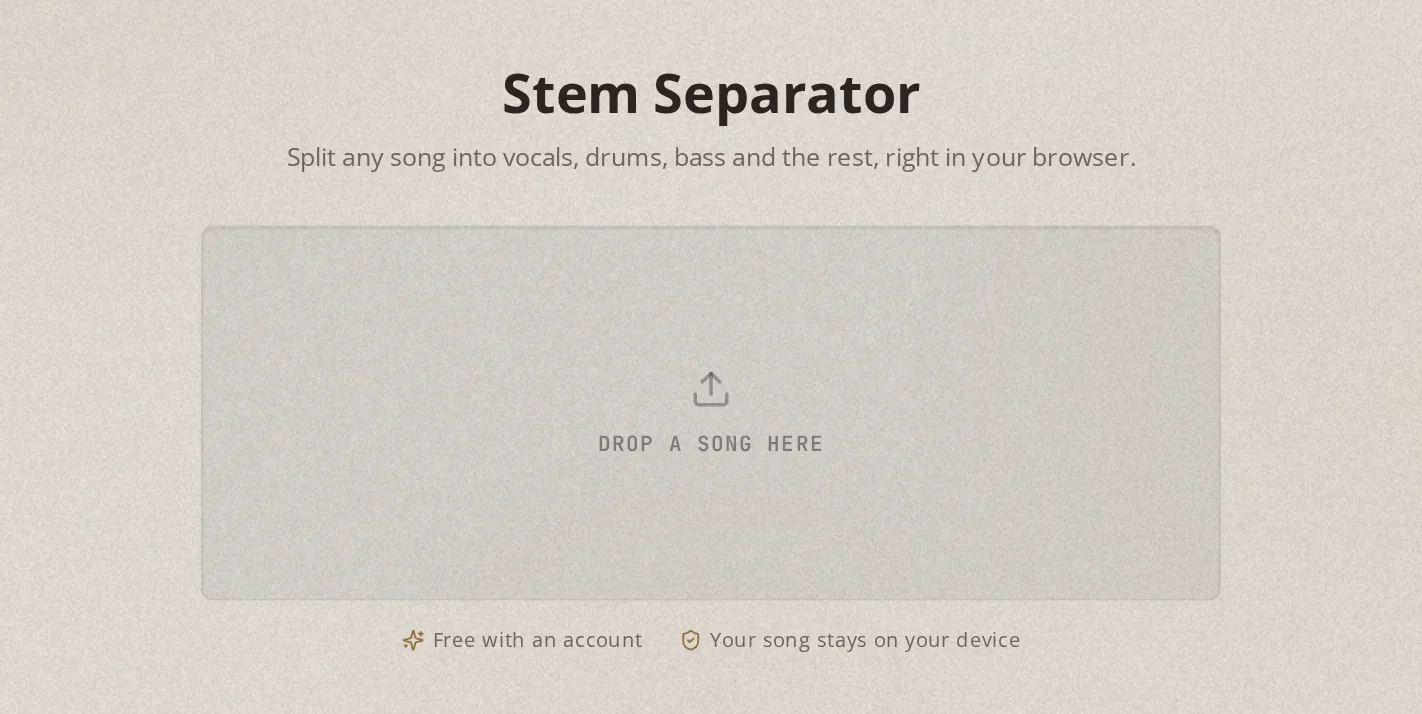
The split happens in your browser, on your own computer or phone. Your song is not uploaded anywhere. The first time, the separator itself loads once, which takes a moment on a slow connection. After that it starts right away.
2. Listen to the preview
Without an account you get a 30-second preview of your song, split into stems. Every stem has its own row with a waveform, a mute key and a solo key. Press S on Vocals to hear the acapella, or M on Vocals to hear the instrumental. The space bar starts and stops playback.
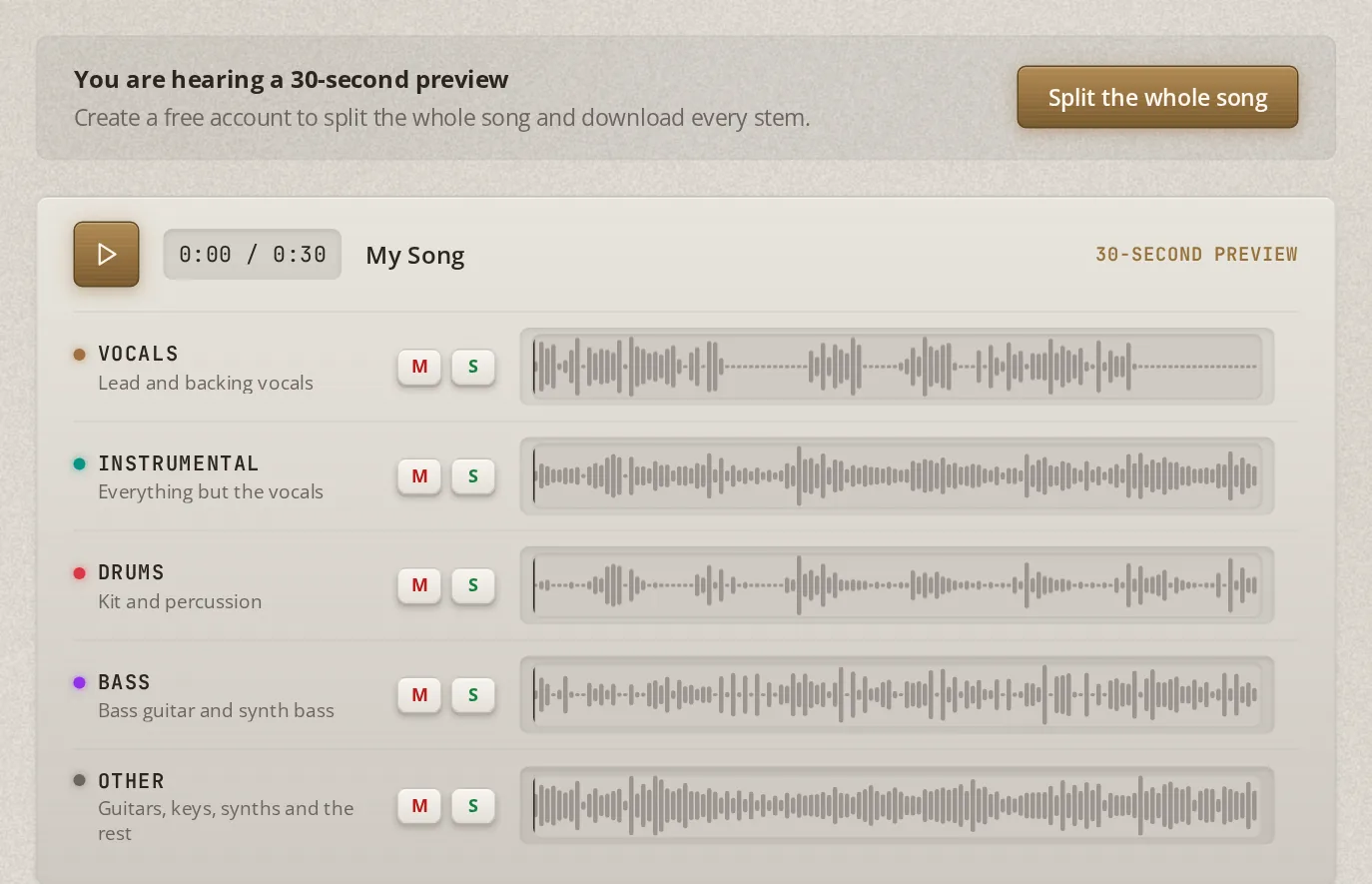
This is the moment to judge the result before you go further. If the vocals sound clean on their own here, the whole song will too.
3. Split the whole song
Click Split the whole song and sign in with a free account. The whole song splits on its own. On most computers that takes about a minute, on a phone a few minutes. Keep the tab open until it is done.
4. Download the instrumental or the acapella
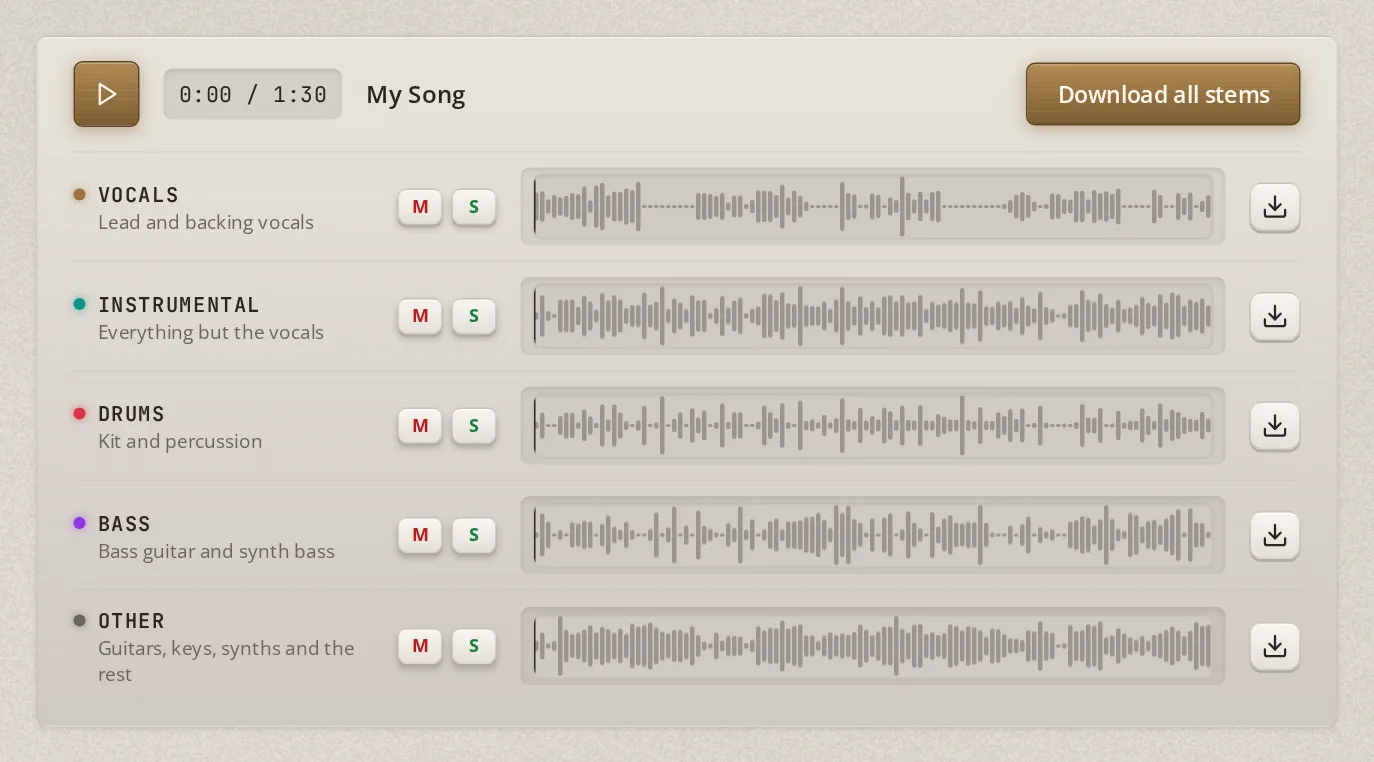
Every row now has a download key. The Instrumental row gives you the song without vocals, the Vocals row the acapella. Download all stems saves everything in one ZIP, one WAV per stem, named after your song.
What to expect from the result
Splitting a finished song is never perfect, with any tool. The parts were mixed together, and some of them share the same frequencies, so the split has to make guesses where they overlap.
What that sounds like in practice:
- Vocals and drums come out cleanest. They are the easiest parts to tell apart from the rest.
- Reverb and delay are the hardest. A vocal drenched in reverb leaves a quiet trace of that reverb in the instrumental.
- Dense, loud masters split worse than open, dynamic ones. When everything plays at once in the same range, the separation has less to go on.
- Small artifacts disappear in context. A slightly watery cymbal you notice when the drums play solo is usually gone once you sing or rap over the whole instrumental.
Five ways to get a cleaner split
- Use the best file you have. A WAV or FLAC gives the separator more to work with than a low bitrate MP3. WAV, FLAC or MP3? explains why.
- Split the original, not a copy of a copy. A file ripped from a video or recorded off a speaker has already lost detail.
- Use a computer for whole songs. It is faster, and in Chrome or Edge on a computer with a graphics chip the separator runs its best quality mode.
- Judge the stem in context. Listen to the instrumental with your own vocal on top before you decide it is not clean enough.
- Pick songs with a drier vocal for acapellas. The less reverb on the original vocal, the more usable the acapella.
What to do with the stems
- Karaoke and covers. Sing over the instrumental, live or for a recording.
- Practice your part. Mute the bass or the drums and play along with the rest of the band.
- Rap over the beat. The instrumental of a hip hop song is the beat. Write and record over it at home.
- Remixes. The acapella is the starting point for a new version. Release it only if you have the rights, see below.
A word on rights
Splitting a song gives you stems for practice and for your own projects at home. It does not give you the right to release the instrumental, the acapella or a remix built on them. Before you upload anything made from someone else's song, make sure you have permission, or use your own music.
Got the original recordings?
If the song is yours and you still have the separate recordings, the vocal takes and the beat or the band tracks, you do not need a splitter at all. Mixing the original stems always sounds better than splitting the finished song, because nothing has to be guessed. Bandmixr mixes and masters your stems into a finished song, and How to Mix Vocals Over a Beat You Bought walks through a typical session.